



Knowing how to fire an agency is mostly a question of order. End the relationship in the wrong sequence and you can lose access to your Google Ads account, break conversion tracking, or find your ads have stopped because the agency was paying the bill. Do it in the right sequence and the only thing that changes is who manages the account.
This guide covers what to protect, the eight steps to follow, what to write in a termination letter, and what to do if the agency owns the account. It is practical guidance, not legal advice, so read it alongside your contract.
Table of Contents
Before You Decide: Is It Fixable?
Changing agencies costs time and usually a few slow weeks, so be sure the problem is the agency and not something a direct conversation could solve.
It is usually fixable when the issue is communication: reports arrive late, the contact changed, or priorities drifted. Say plainly what you need and give a date.
It is usually time to leave when you see any of these:
- You cannot get admin access to your own account. This is a control problem, not a performance problem.
- Reports do not match what you see in your sales. Rising conversions in the report with flat revenue in the bank needs an explanation you have not been given.
- Nothing changes in the account. The change history shows long gaps with no activity.
- The same promises repeat every month. Results are always about to improve.
If one honest conversation does not change things within a few weeks, move on to the steps below.
What You Need to Protect
Before you say anything to the agency, list every asset the relationship touches. These are the ones that cause trouble when they are forgotten.
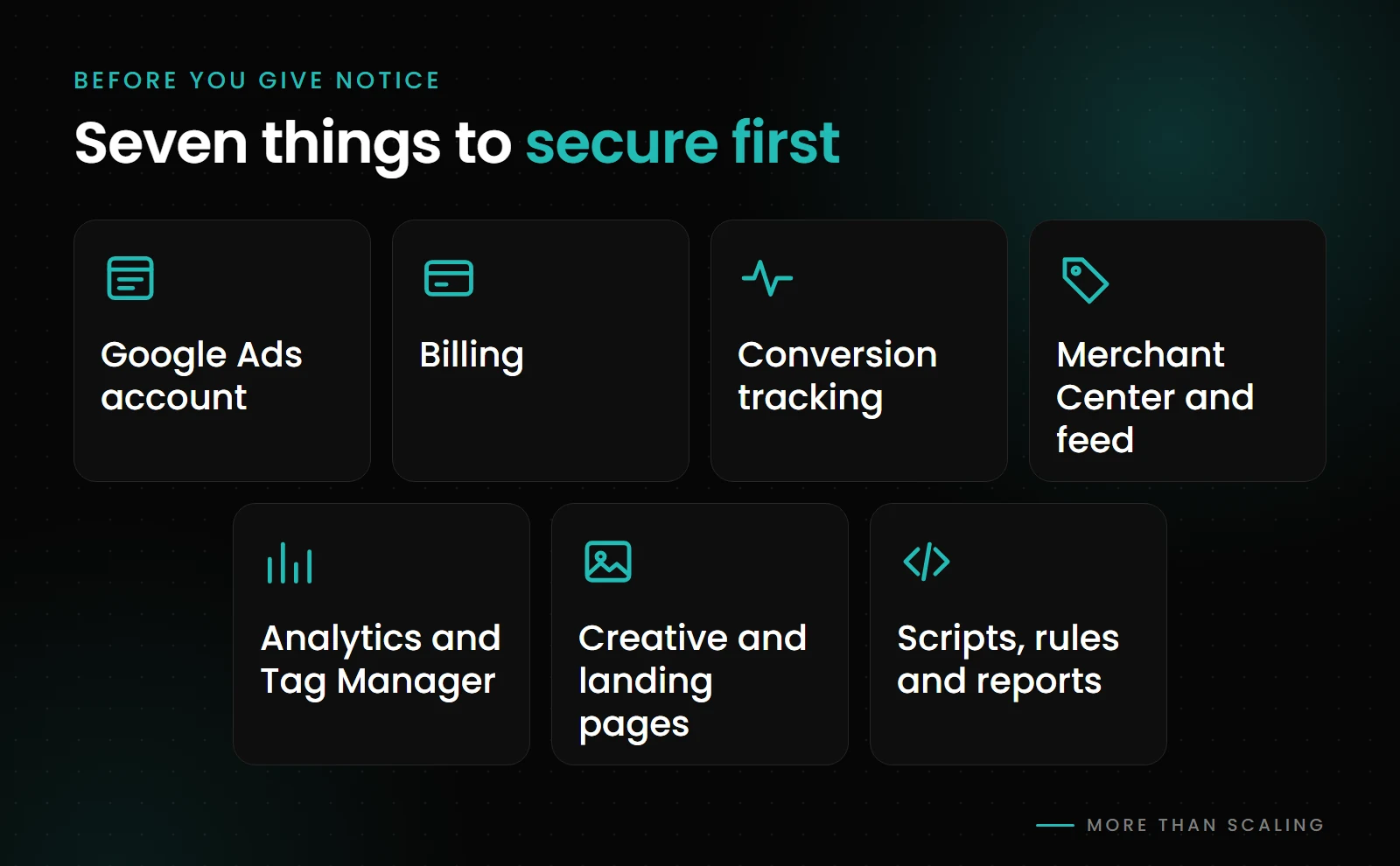
| Asset | Why it matters | What to check |
|---|---|---|
| Google Ads account | Holds your campaigns, history and audiences | Someone in your business has admin access |
| Billing | Ads stop if the payer disappears | Whose payment method or invoice pays Google |
| Conversion tracking | Bidding depends on it | Whether tags and conversion actions belong to your account or the agency’s manager account |
| Merchant Center and product feed | Shopping ads cannot run without them | Admin access and who controls the feed tool |
| Analytics and Tag Manager | Your measurement history | Admin access for your own team |
| Creative and landing pages | Expensive to rebuild | Source files and logins, and what the contract says about ownership |
| Scripts, rules and reports | Often run from the agency’s side | Which ones stop when the agency leaves |
How to Fire an Agency Step by Step

Step 1Read your contract
Find the notice period, the termination clause, any minimum term, and what the contract says about who owns the work. Note whether fees continue during the notice period. Everything else you do should fit inside these terms.
Step 2Confirm you hold admin access
Open Google Ads and go to Access and security in the Admin menu. Check that a person in your business is listed as an admin. Only admins can add and remove users or unlink a manager account, as Google’s access level guide explains. If nobody on your side is an admin, ask the agency to grant it before you raise anything else.
Do the same check in Merchant Center, Google Analytics and Tag Manager.
Step 3Find out who pays Google
This is the step people skip. If the agency’s manager account pays for your ads on monthly invoicing, Google says the account will stop serving once that manager is unlinked. You need your own billing setup in place first. If your own card or invoice already pays Google, nothing changes.
Step 4Take a record of the account
Download the main reports for the last 12 months, export your campaigns with Google Ads Editor, and write down the current bid strategies, targets and budgets. List every conversion action and which ones are used for bidding. This record is your reference if anything looks different after the handover.
Step 5Line up who takes over
Decide who will manage the account from the day the agency leaves, whether that is your own team or a new partner. An unmanaged account does not fall apart overnight, but budgets, search terms and feed errors need someone watching. If you are choosing a new partner, our list of questions to ask a PPC agency will help you avoid repeating the same problem.
Step 6Give written notice
Send a short termination letter that follows the contract. Keep it factual. The next section shows what to include.
Step 7Run the handover
Ask for one handover call and one handover document. The document should cover:
- Tests that are running and what they are meant to show
- Changes planned but not yet made
- Scripts, automated rules and reports, and where they run from
- Logins and source files for creative, landing pages and feed tools
- Anything unusual about the account that a new manager should know
Step 8Remove access on the last day
On the final day of the notice period, remove the agency’s users and unlink its manager account from Access and security. Google confirms in its guide to unlinking manager accounts that your account keeps its campaign history and features after unlinking. Then remove access from Merchant Center, Analytics, Tag Manager, your store and any shared tools, and change any passwords that were shared.
What to Put in an Agency Termination Letter
A termination letter does not need to explain or argue. It needs to be clear and dated. Include these points:
- The agreement you are ending, with its date and the clause that allows termination.
- The notice you are giving and the last day of service.
- What you expect to receive: the handover document, source files and any logins.
- Access changes: confirm that your team keeps admin access and that agency access ends on the last day.
- The final invoice: ask for it and for confirmation that no further charges will follow.
- A named contact on your side for the handover.
A simple version reads like this:
“We are writing to give notice that we are ending our agreement dated [date] under clause [number]. Our last day of service will be [date]. Before then, please send a handover document covering current tests, planned changes, scripts and automated rules, together with all source files and logins for work created for us. Our team will keep admin access to all accounts, and agency access will be removed on the last day. Please send your final invoice and confirm that no further charges apply. [Name] will be your contact for the handover.”
Send it the way your contract requires, and keep a copy.
What If the Agency Owns the Account?
Sometimes the campaigns were built inside an account the agency created and controls. Start by asking, in writing, for admin access for a person in your business. Many agencies will agree, especially if the contract says the account is yours.
If they refuse, check your contract and consider getting legal advice. In the meantime, protect what you can. Ask for exports of campaigns and reports, and make sure your website tags, analytics and Merchant Center sit under your own logins. If you do have to start a new account, a well-planned Google Ads account structure and clean conversion tracking will shorten the rebuild.
Whatever happens, make account ownership the first thing you settle with the next agency.
Mistakes to Avoid When You Fire an Agency
- Removing access before giving notice. It may breach your contract, and it ends any chance of a useful handover.
- Forgetting billing. Ads that stop serving for a week cost more than the notice period.
- Unlinking without checking conversion tracking. If the agency used cross-account conversion tracking from its manager account, Google says that tag stops recording conversions for clicks that happen after the unlink. Set up conversion actions in your own account first.
- Leaving in your busiest month. If you can choose the timing, hand over in a quiet period.
- Deleting campaigns. Pause what you do not want. Paused campaigns keep their history.
Frequently Asked Questions
How much notice do I need to give an agency?
Whatever your contract says. Read the termination clause before you do anything else, because the notice period decides your timeline for every other step.
Will my Google Ads performance drop after I fire the agency?
Removing a manager account does not reset your campaigns or their history. Performance problems after a change usually come from the things covered above: billing that was tied to the agency, tracking that ran through its manager account, or nobody managing the account afterwards.
Can I fire an agency before the contract ends?
Possibly, depending on the termination clause. Some contracts allow early exit with notice, some require a breach, and some charge for the remaining term. If the wording is unclear, get legal advice before you send the letter.
Should I tell the agency why I am leaving?
A sentence is enough. You are not required to justify the decision, and a calm, factual exit makes the handover easier for both sides.
Need Someone to Take Over?
Once you know how to fire an agency safely, the remaining question is who runs the account next. If you would like a second opinion on your account before or after the change, talk to our team. You can also read how we have helped other brands in our case studies.

